Topic
Exploded View
One studio. Every leading AI image model. Pick the right tool for each prompt — no juggling subscriptions.
images.indexed
3
last_7_days
2
page.type
Topic
top.engine
gpt-image-2
// AI summary
PLACARD · N° 01
How to use the Exploded View topic page
PLACARD · N° 01
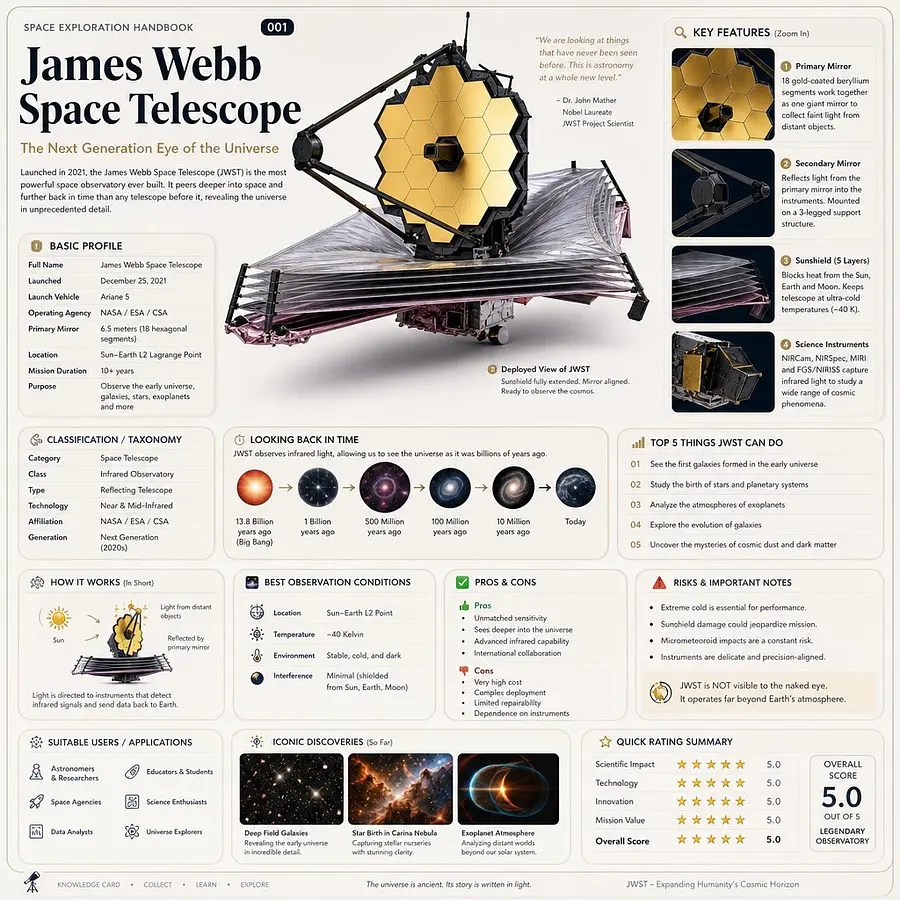
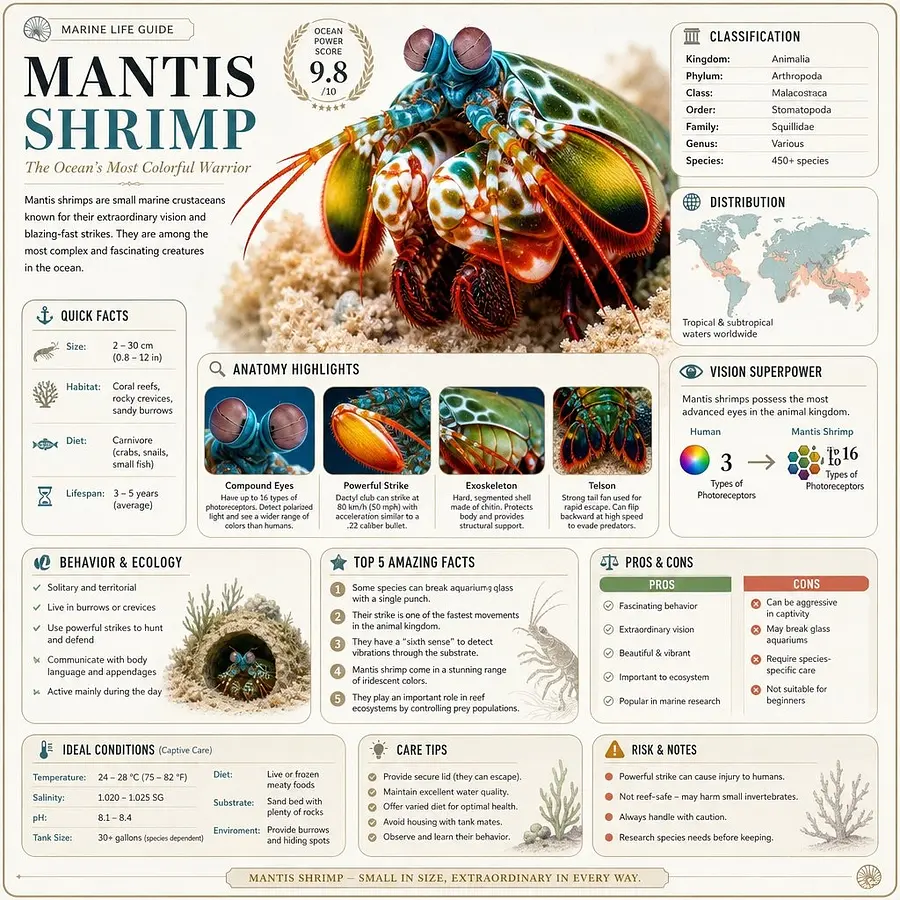
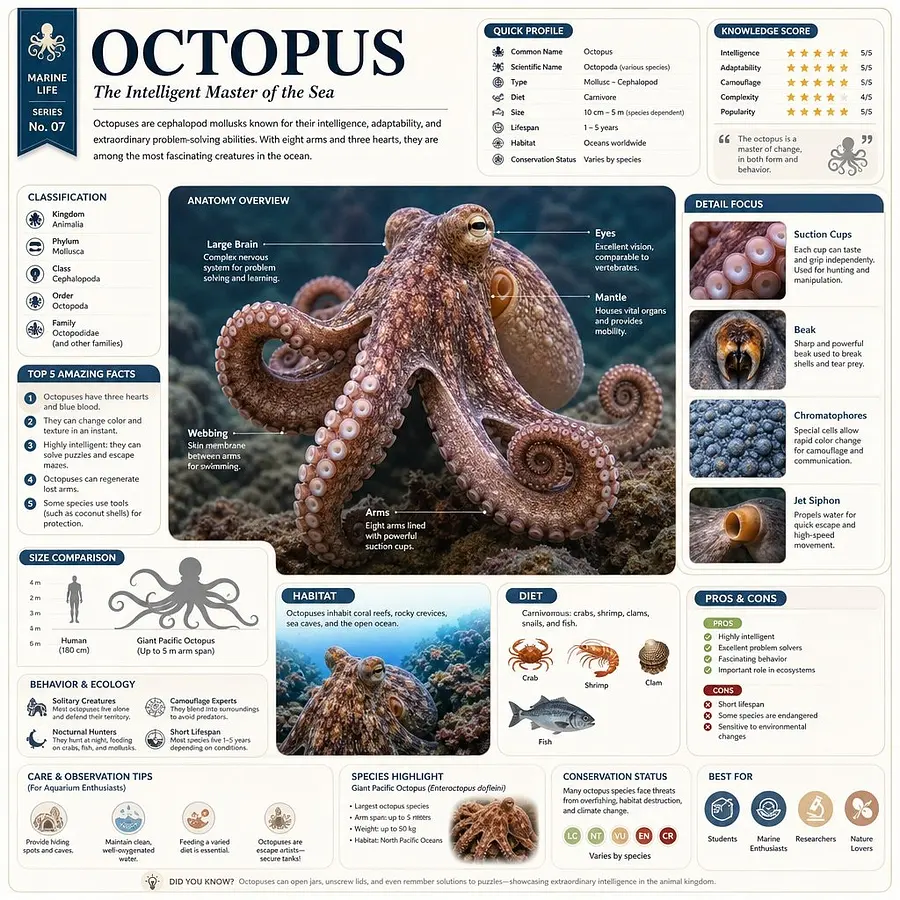
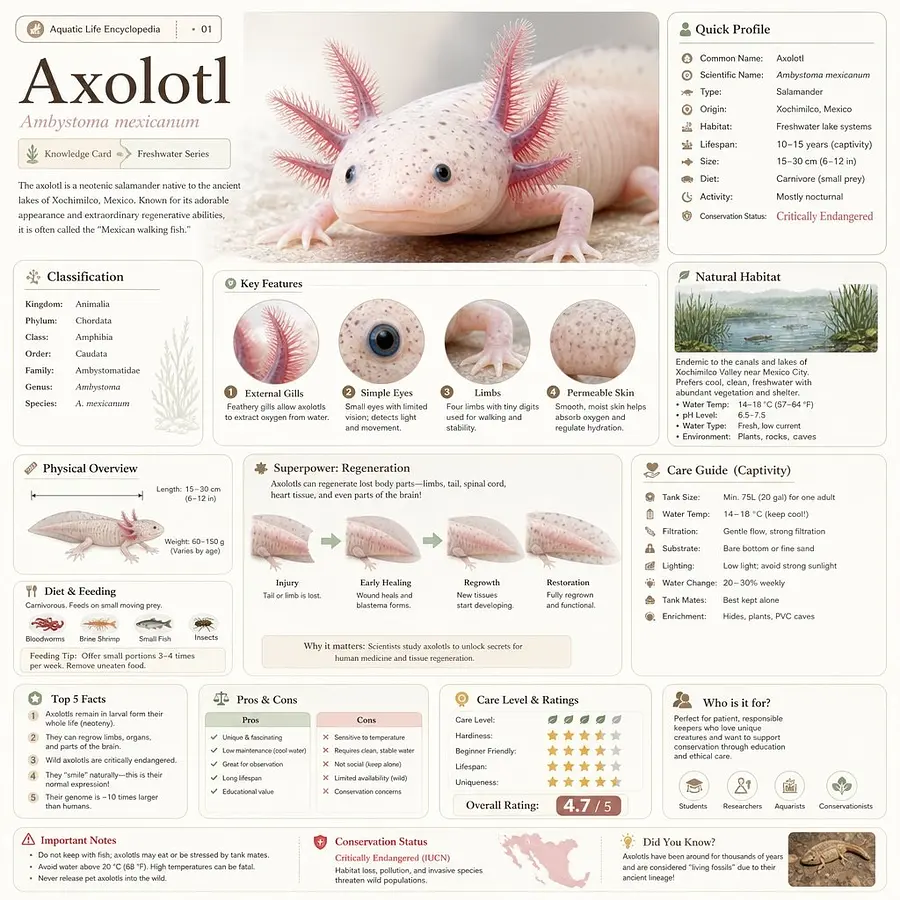
Exploded View collects real public generations, prompt language, related visual styles, and model choices around one AI image topic. Use it as a field guide: study the recurring vocabulary, compare example prompts, then start from the prompt bar with a clearer brief.
-
›
Exploded View images are grouped by prompt-derived topic tags and filtered for public indexing.
-
›
Prompt examples show beginner, intermediate, and advanced levels of specificity.
-
›
Related topics help you move sideways into adjacent styles instead of starting over.
-
›
The model recommendations show which engines currently have the strongest footprint.
// About Exploded View
About Exploded View
Exploded View is a popular AI image topic on imagev2.me, shaped by real prompts and published community results. Use this page to study how creators describe subjects, styles, lighting, mood, and composition before you write your own prompt. The gallery below shows crawlable examples, while the prompt bar lets you start from the same topic in the studio.
// Visual vocabulary for Exploded View
PLACARD · N° 02
Visual vocabulary for Exploded View
Common prompt ingredients that give Exploded View images their recognizable texture.
VOC / 01
subject
Name the main object or character before adding style so the model has a stable anchor.
VOC / 02
environment
Describe the location, weather, era, and material context that surround the subject.
VOC / 03
light
Use concrete light sources such as window light, neon, overcast sky, flash, or candlelight.
VOC / 04
camera
Lens, angle, crop, distance, and motion cues help make the output feel intentional.
VOC / 05
finish
Add texture, palette, film stock, render style, or post-production language last.
// Prompt examples for Exploded View
Prompt examples for Exploded View
Beginner
subject + style
Tech product exploded view infographic based on awesome-gpt-image-2 Case 333. Create a 16:9 engineering-whitepaper style diagram titled "AI GLASSES EXPLODED VIEW". Show a pair of sleek smart glasses separated into layers: titanium frame, waveguide lens, micro-OLED display, camera module, bone-conduction speakers, battery temple, touch strip, AI chip, microphones, thermal layer. Use precise arrows, numbered callouts, clean isometric perspective, dark graphite and white panels with cyan highlights, subtle grid, and small specification labels. Add a bottom flow strip: Capture -> Understand -> Assist -> Display. Make it look like a premium consumer-tech launch diagram. Avoid fake brand logos, impossible internals, unreadable text, and overcrowded annotations.
Intermediate
scene + light
Tech product exploded view infographic based on awesome-gpt-image-2 Case 333. Create a 16:9 engineering-whitepaper style diagram titled "AI GLASSES EXPLODED VIEW". Show a pair of sleek smart glasses separated into layers: titanium frame, waveguide lens, micro-OLED display, camera module, bone-conduction speakers, battery temple, touch strip, AI chip, microphones, thermal layer. Use precise arrows, numbered callouts, clean isometric perspective, dark graphite and white panels with cyan highlights, subtle grid, and small specification labels. Add a bottom flow strip: Capture -> Understand -> Assist -> Display. Make it look like a premium consumer-tech launch diagram. Avoid fake brand logos, impossible internals, unreadable text, and overcrowded annotations.
Advanced
constraints + lens
Tech product exploded view infographic based on awesome-gpt-image-2 Case 333. Create a 16:9 engineering-whitepaper style diagram titled "AI GLASSES EXPLODED VIEW". Show a pair of sleek smart glasses separated into layers: titanium frame, waveguide lens, micro-OLED display, camera module, bone-conduction speakers, battery temple, touch strip, AI chip, microphones, thermal layer. Use precise arrows, numbered callouts, clean isometric perspective, dark graphite and white panels with cyan highlights, subtle grid, and small specification labels. Add a bottom flow strip: Capture -> Understand -> Assist -> Display. Make it look like a premium consumer-tech launch diagram. Avoid fake brand logos, impossible internals, unreadable text, and overcrowded annotations.
// How to write a Exploded View prompt
PLACARD · N° 03
01
Anchor the subject
Start with the concrete subject, product, person, place, or scene you want the model to prioritize.
02
Add visual vocabulary
Layer in environment, lighting, camera, palette, and finish so the topic becomes a visual brief.
03
Choose the engine
Use the recommended model for the topic, then switch if you need faster drafts or more polished output.
04
Iterate from one variable
Change one element at a time — lens, aspect ratio, model, or style — so you can see what caused the improvement.
// Best models for Exploded View
Best models for Exploded View
// Exploded View vs related styles
PLACARD · N° 04
// Related topics
// Frequently asked questions
Frequently asked questions
Q01
What is Exploded View?
Exploded View is a tag used to group public AI images, prompts, and model outputs around the same visual idea. It helps you compare how different creators describe the subject and what kinds of images those prompts produce.
Q02
Best model for Exploded View?
The best model depends on your target look. Start with the prompt bar on this page, then switch models in the studio if you need faster drafts, sharper text, higher resolution, or a more editorial style.
Q03
How to write prompts for Exploded View?
Begin with the subject, then add scene, composition, lighting, palette, and output intent. Specific nouns and constraints usually work better than vague adjectives, especially when you want a repeatable style.
Q04
Can I remix Exploded View examples?
Yes. Open any public image or use a prompt example from this drawer. The studio can prefill the prompt and model so you can change one variable instead of starting from a blank canvas.
Q05
Why do related topics matter?
Related topics expose adjacent visual language. They are useful when Exploded View feels close but not exact, because you can borrow modifiers without changing the whole prompt.
Q06
Are these Exploded View images public?
The drawer only links to public, indexable community work. Private generations stay out of Explore, tag pages, sitemaps, and search crawling.
// Latest