Model
gpt-image-2
One studio. Every leading AI image model. Pick the right tool for each prompt. No juggling subscriptions.
images.indexed
358
last_7_days
1
page.type
Model
top.engine
gpt-image-2
// Latest
// About gpt-image-2
About gpt-image-2
gpt-image-2 is one of the image engines available on imagev2.me. This model page links public images back to the engine that produced them so you can audit the visual fingerprint, prompt patterns, and practical strengths from real community output — easier to judge than marketing copy. Sibling comparisons show when to switch engines for speed, fidelity, or style. Try it from the prompt bar above — model selection stays locked for faster back-to-back testing — or browse the latest renders below.
// Prompt examples for gpt-image-2
Prompt examples for gpt-image-2
Beginner
subject + style
feet
Intermediate
scene + light
saraswati
Advanced
constraints + lens
A simple blue ceramic mug on a white studio background, product photography, no people
// How to write a gpt-image-2 prompt
PLACARD · N° 02
01
Anchor the subject
Start with the concrete subject, product, person, place, or scene you want the model to prioritize.
02
Add visual vocabulary
Layer in environment, lighting, camera, palette, and finish so the topic becomes a visual brief.
03
Choose the engine
Use the recommended model for the topic, then switch if you need faster drafts or more polished output.
04
Iterate from one variable
Change one element at a time — lens, aspect ratio, model, or style — so you can see what caused the improvement.
// gpt-image-2 vs sibling engines
PLACARD · N° 03
// gpt-image-2 engine specs
PLACARD · N° 04
Context
Broad multi-style image generation with stronger text rendering and commercial layout control.
Max resolution
Up to 4K on supported generation settings.
Aspect ratios
Auto plus common portrait, square, landscape, and cinematic ratios.
Pricing tier
balanced
// Real output audit for gpt-image-2
PLACARD · N° 05
Real output audit for gpt-image-2
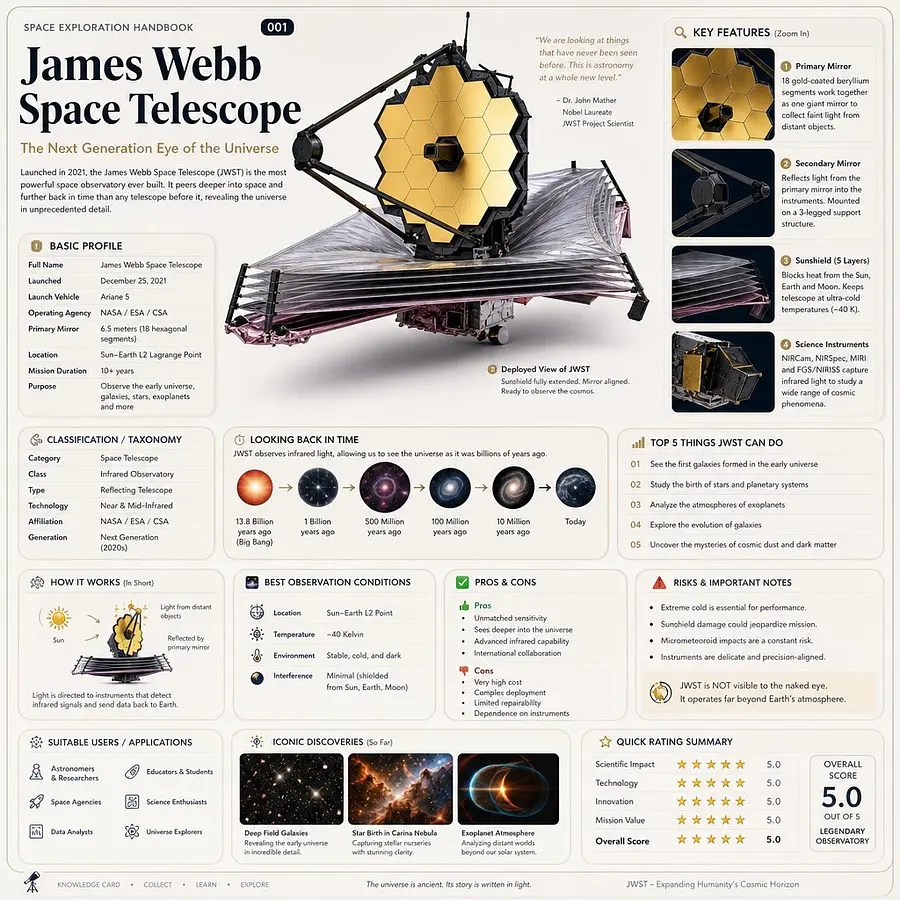
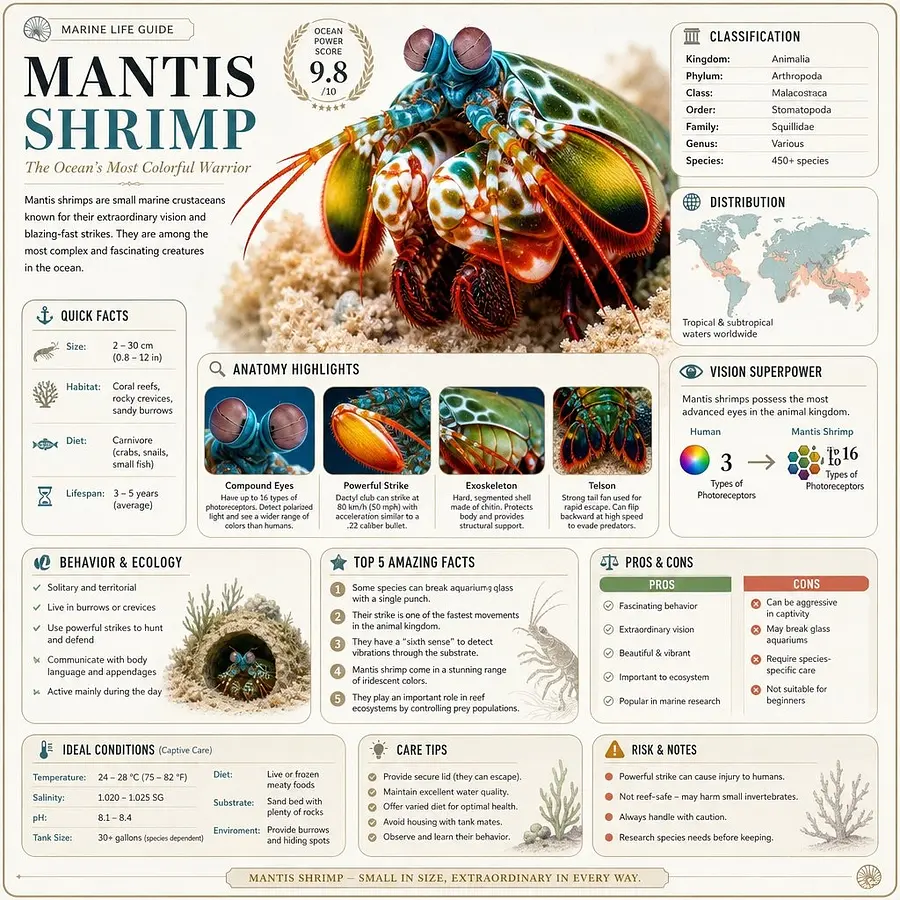
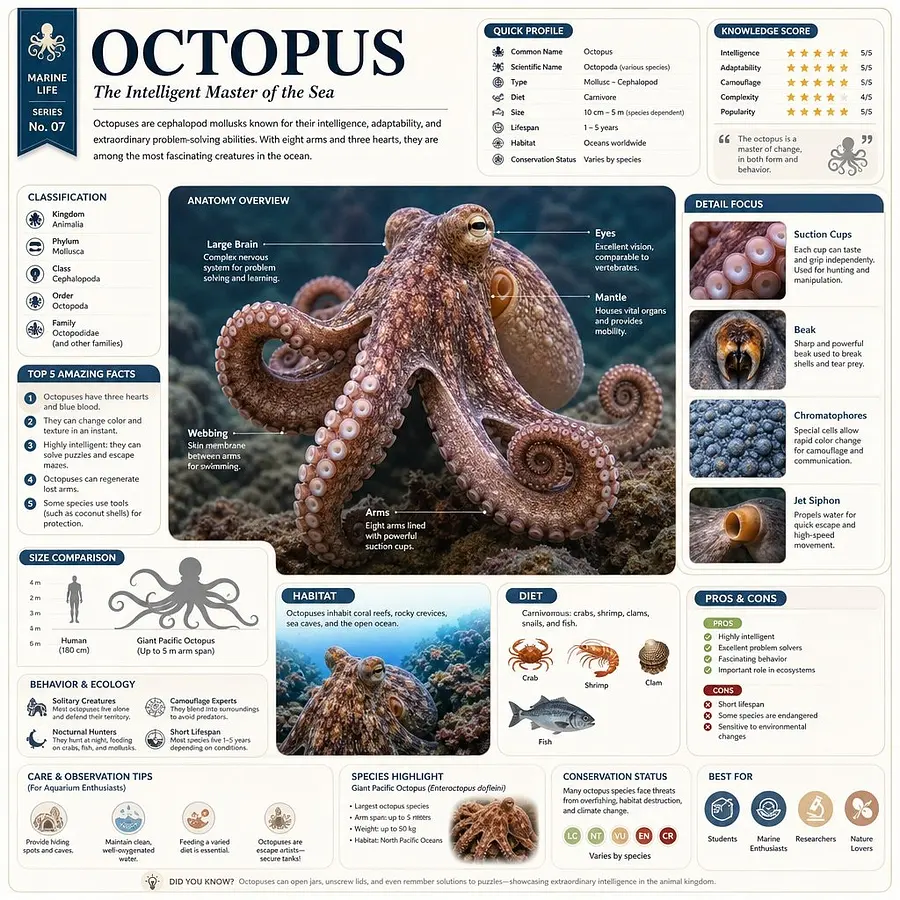
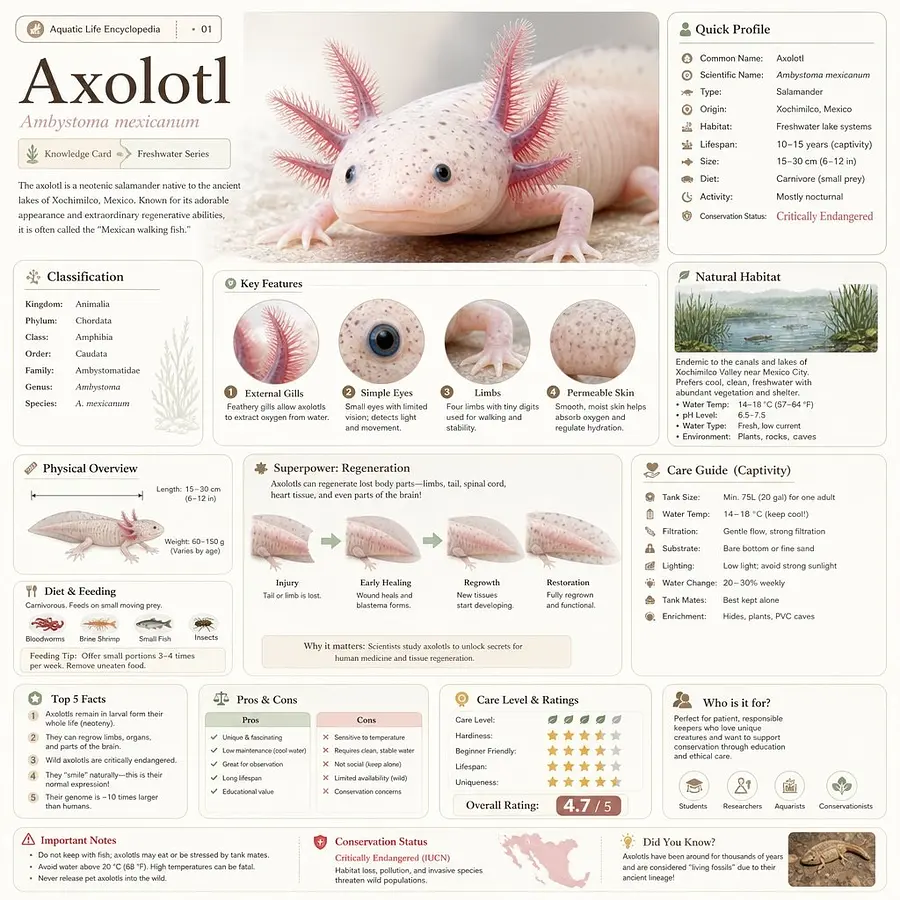
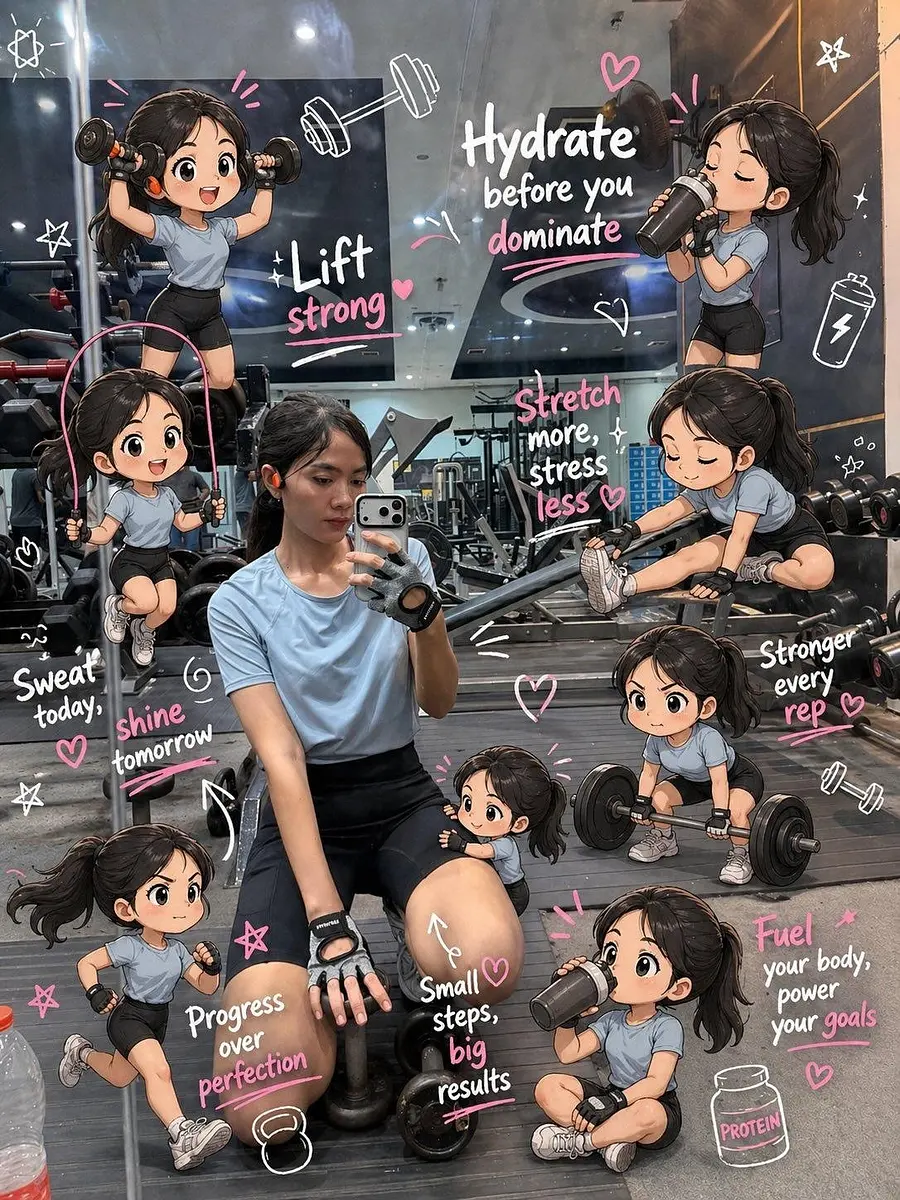
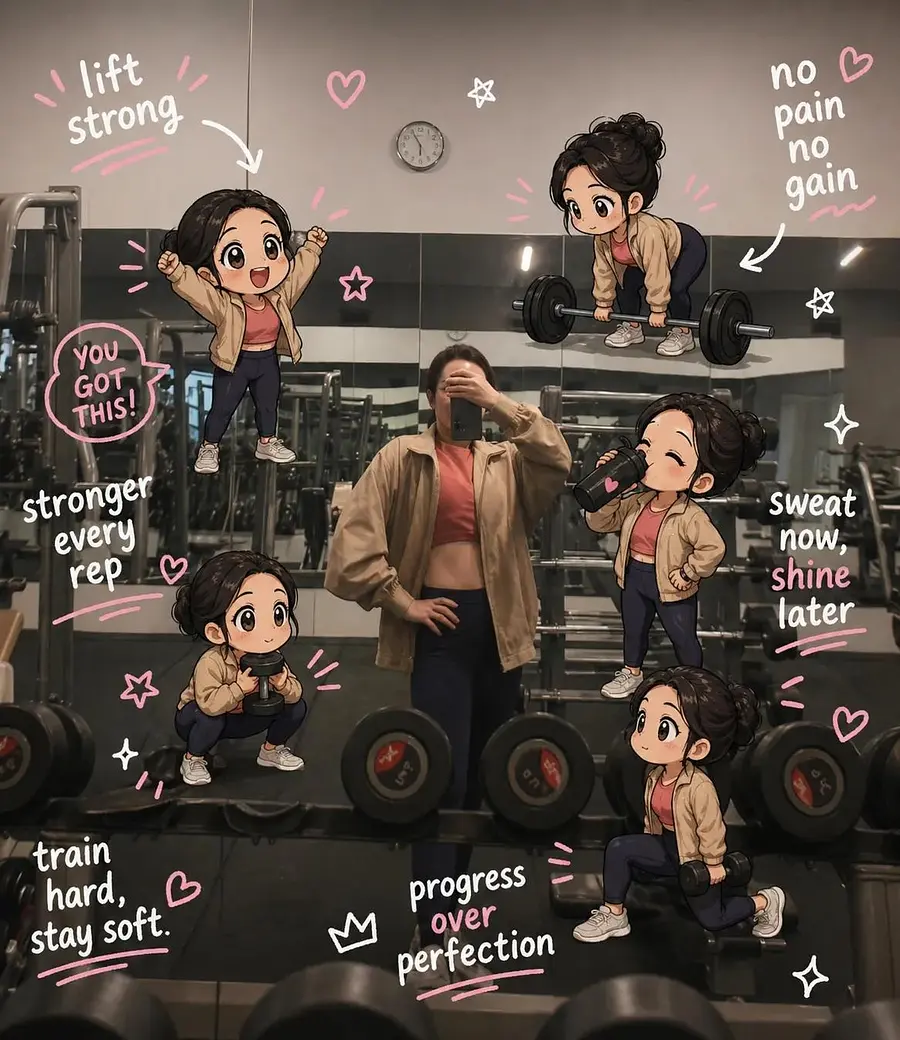
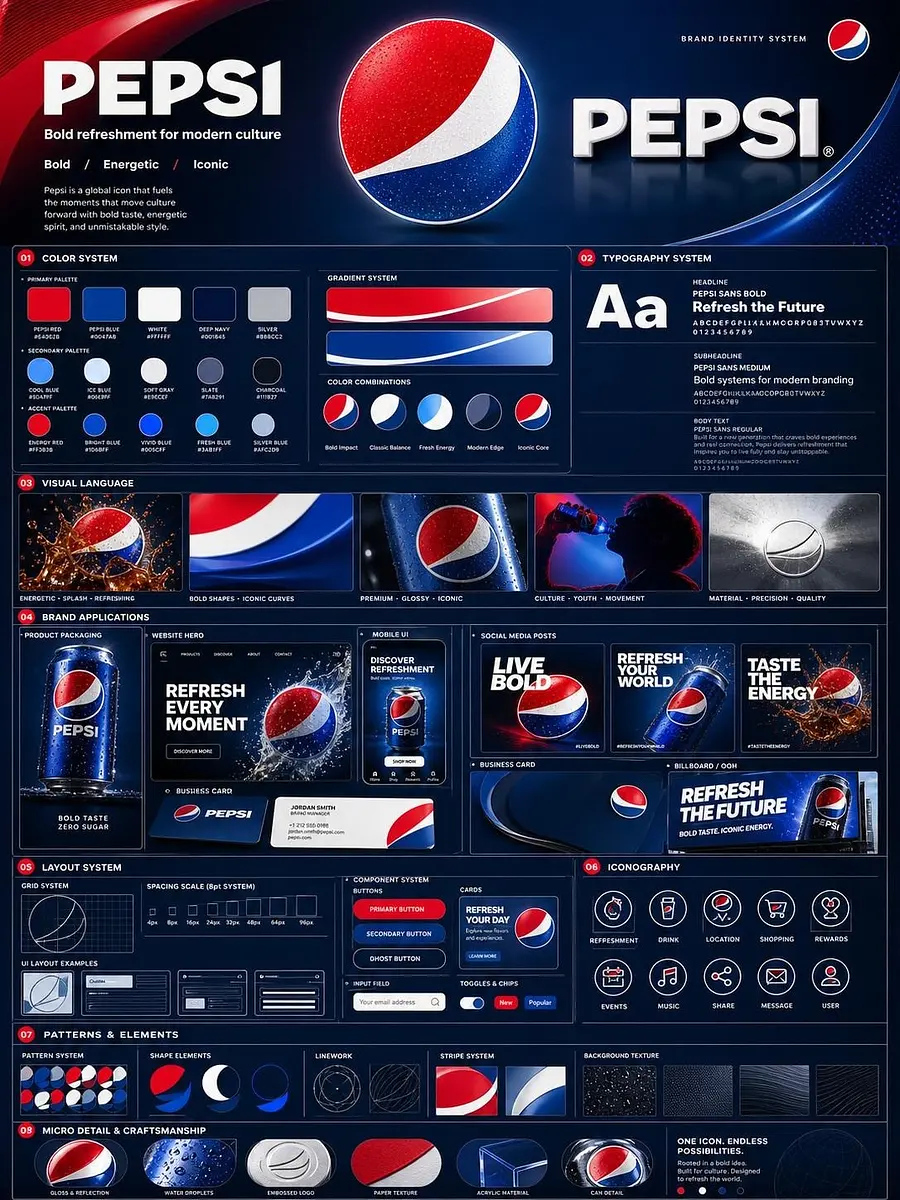
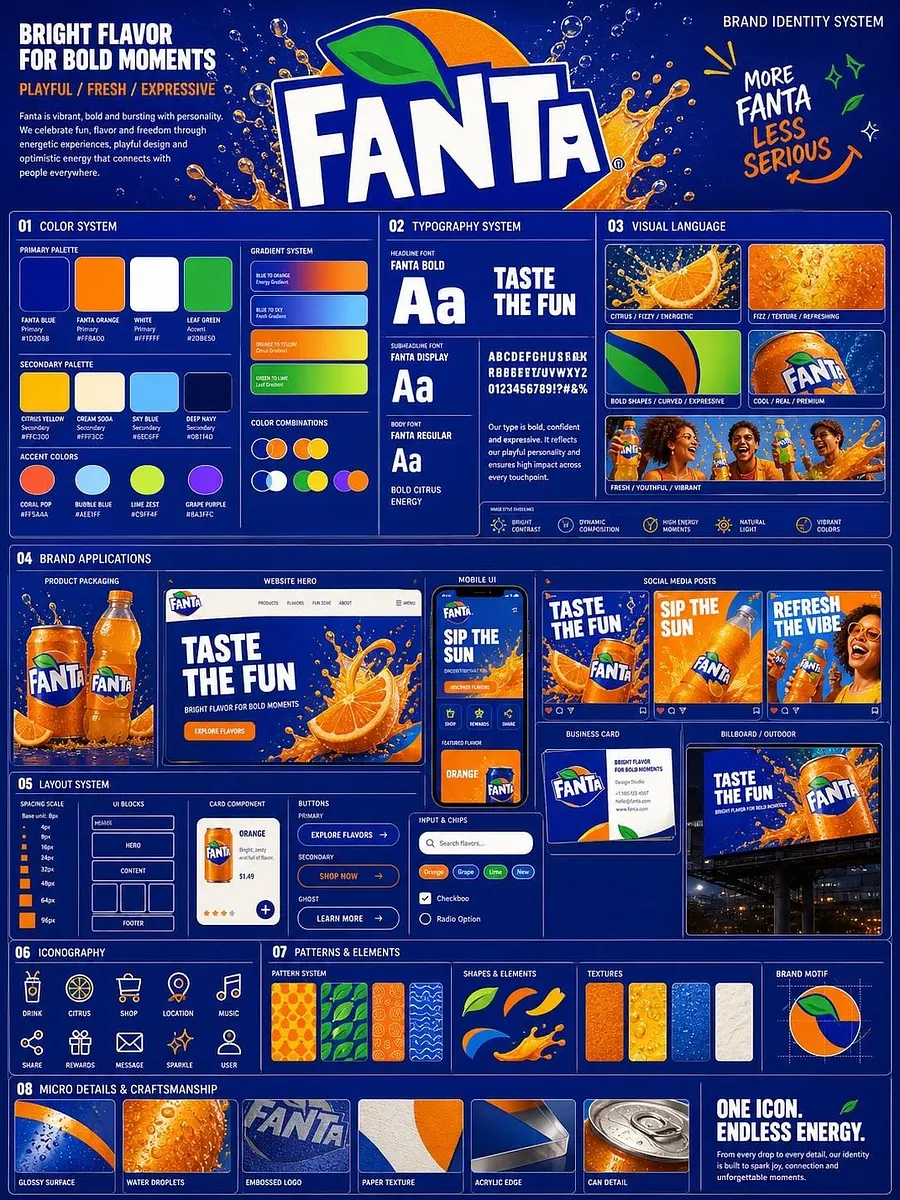
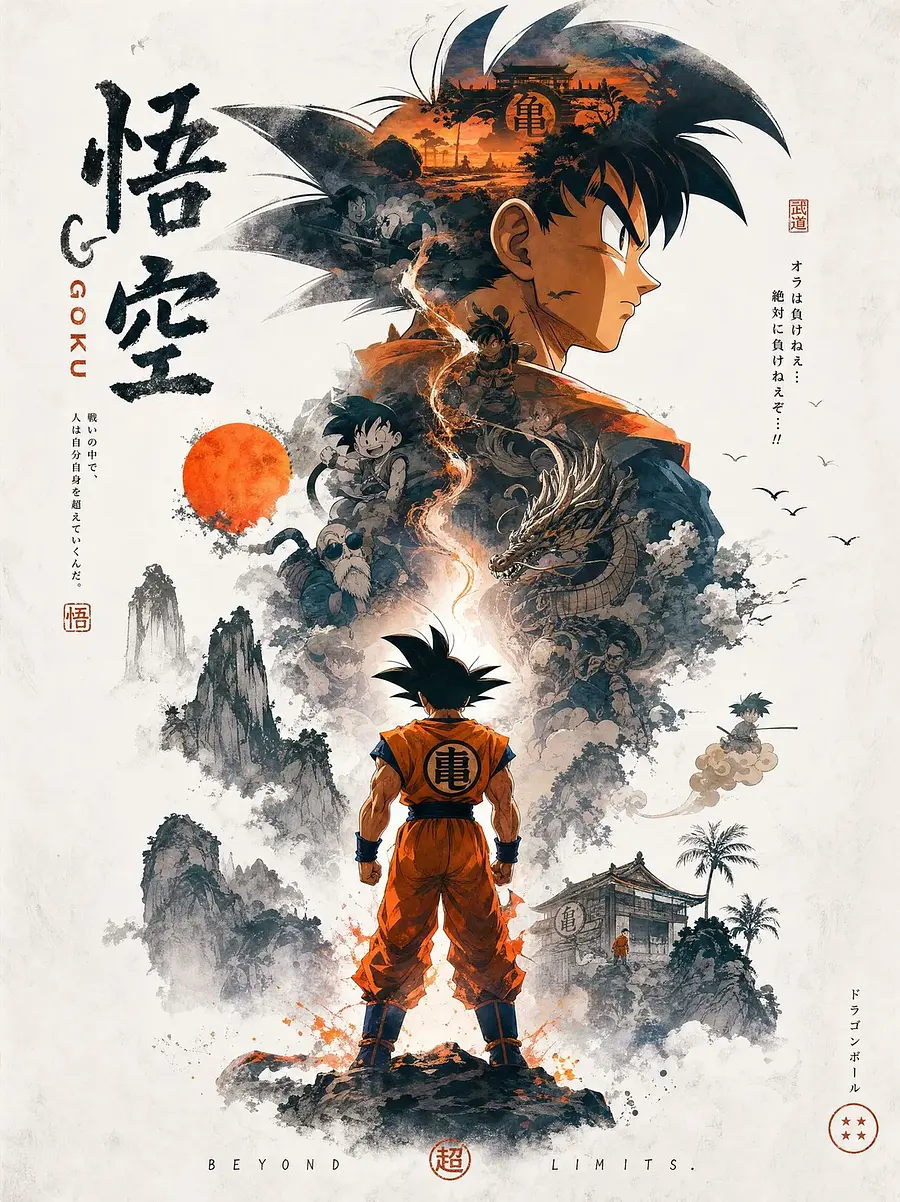
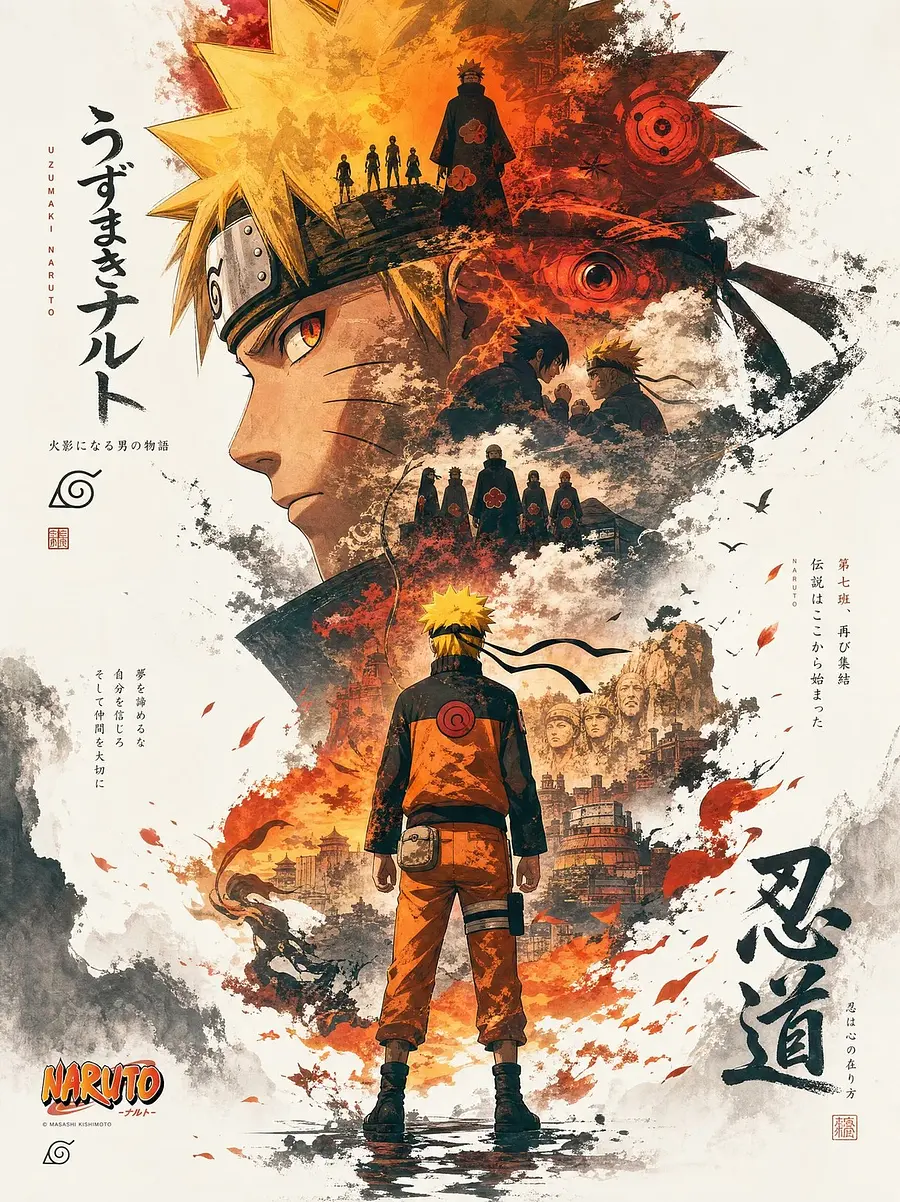
Representative public images made with this engine, useful for judging strengths from real outputs.
// Related topics
// Frequently asked questions
Frequently asked questions
Q01
What is gpt-image-2?
gpt-image-2 is a tag used to group public AI images, prompts, and model outputs around the same visual idea. It helps you compare how different creators describe the subject and what kinds of images those prompts produce.
Q02
Best model for gpt-image-2?
The best model depends on your target look. Start with the prompt bar on this page, then switch models in the studio if you need faster drafts, sharper text, higher resolution, or a more editorial style.
Q03
How to write prompts for gpt-image-2?
Begin with the subject, then add scene, composition, lighting, palette, and output intent. Specific nouns and constraints usually work better than vague adjectives, especially when you want a repeatable style.
Q04
Can I remix gpt-image-2 examples?
Yes. Open any public image or use a prompt example from this drawer. The studio can prefill the prompt and model so you can change one variable instead of starting from a blank canvas.
Q05
Why do related topics matter?
Related topics expose adjacent visual language. They are useful when gpt-image-2 feels close but not exact, because you can borrow modifiers without changing the whole prompt.
Q06
Are these gpt-image-2 images public?
The drawer only links to public, indexable community work. Private generations stay out of Explore, tag pages, sitemaps, and search crawling.