Topic
cinematic
One studio. Every leading AI image model. Pick the right tool for each prompt. No juggling subscriptions.
images.indexed
5
last_7_days
0
page.type
Topic
top.engine
nano-banana
// Latest
// About cinematic
About cinematic
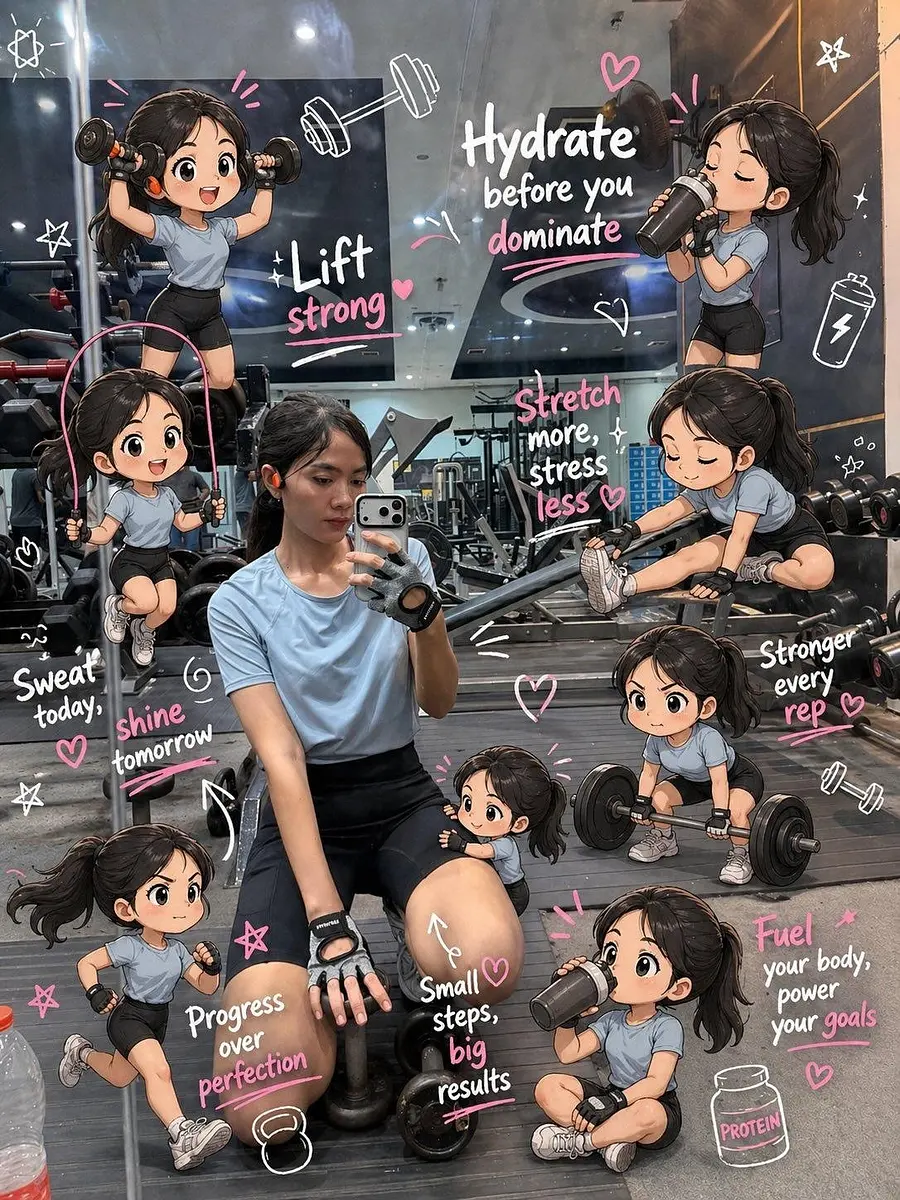
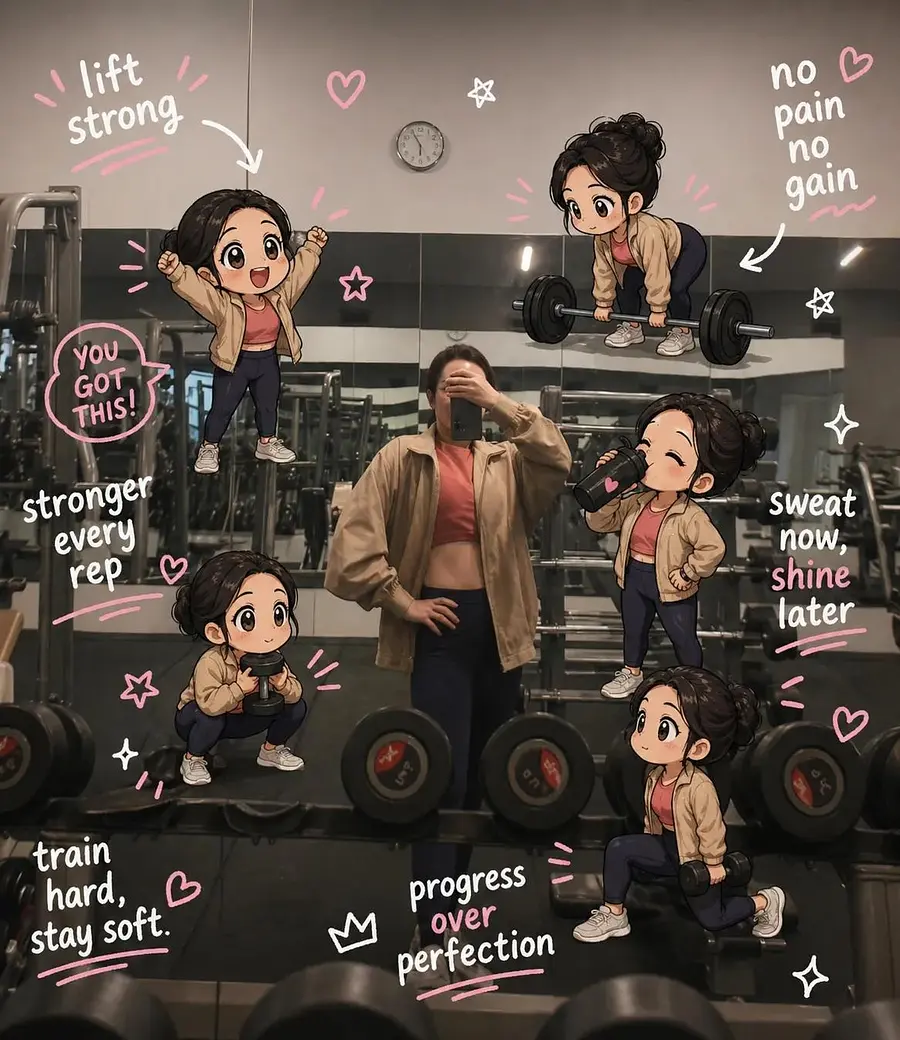
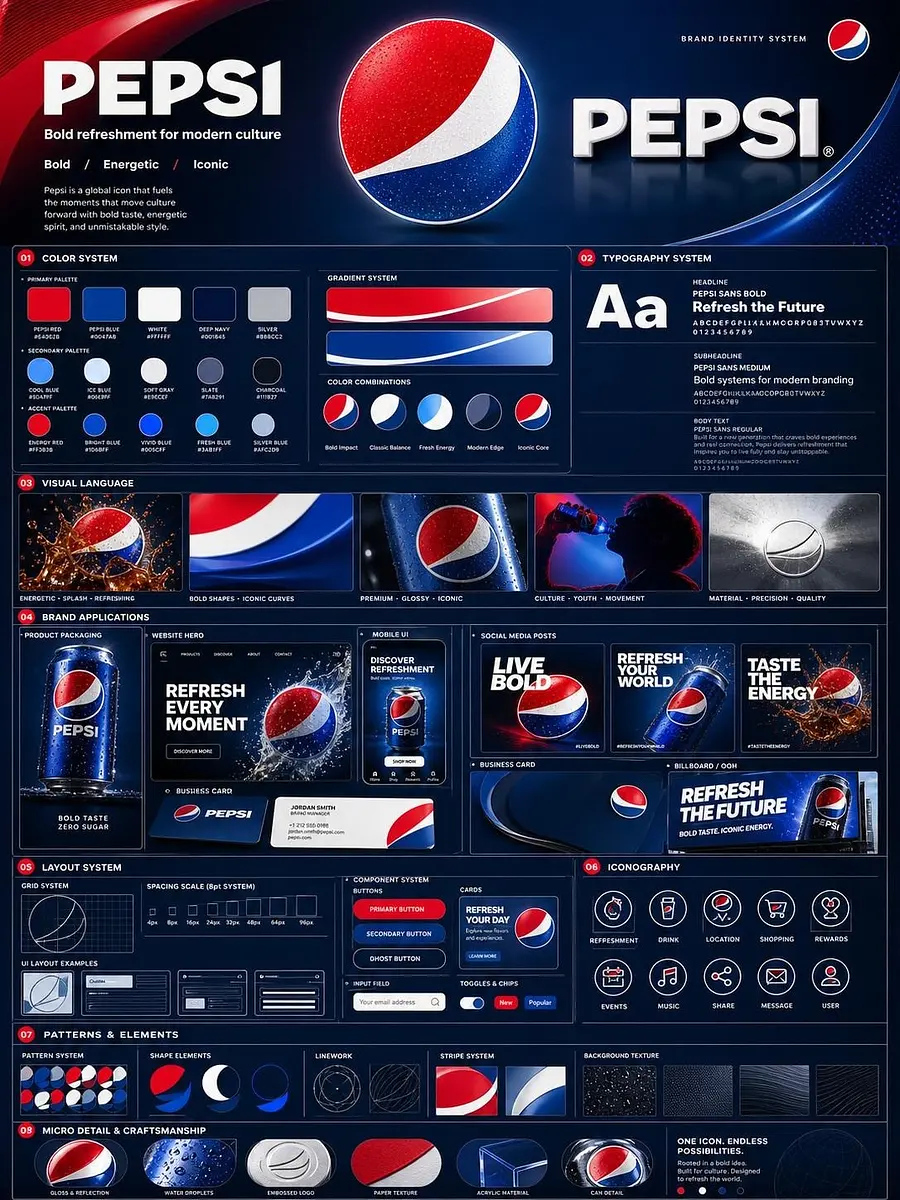
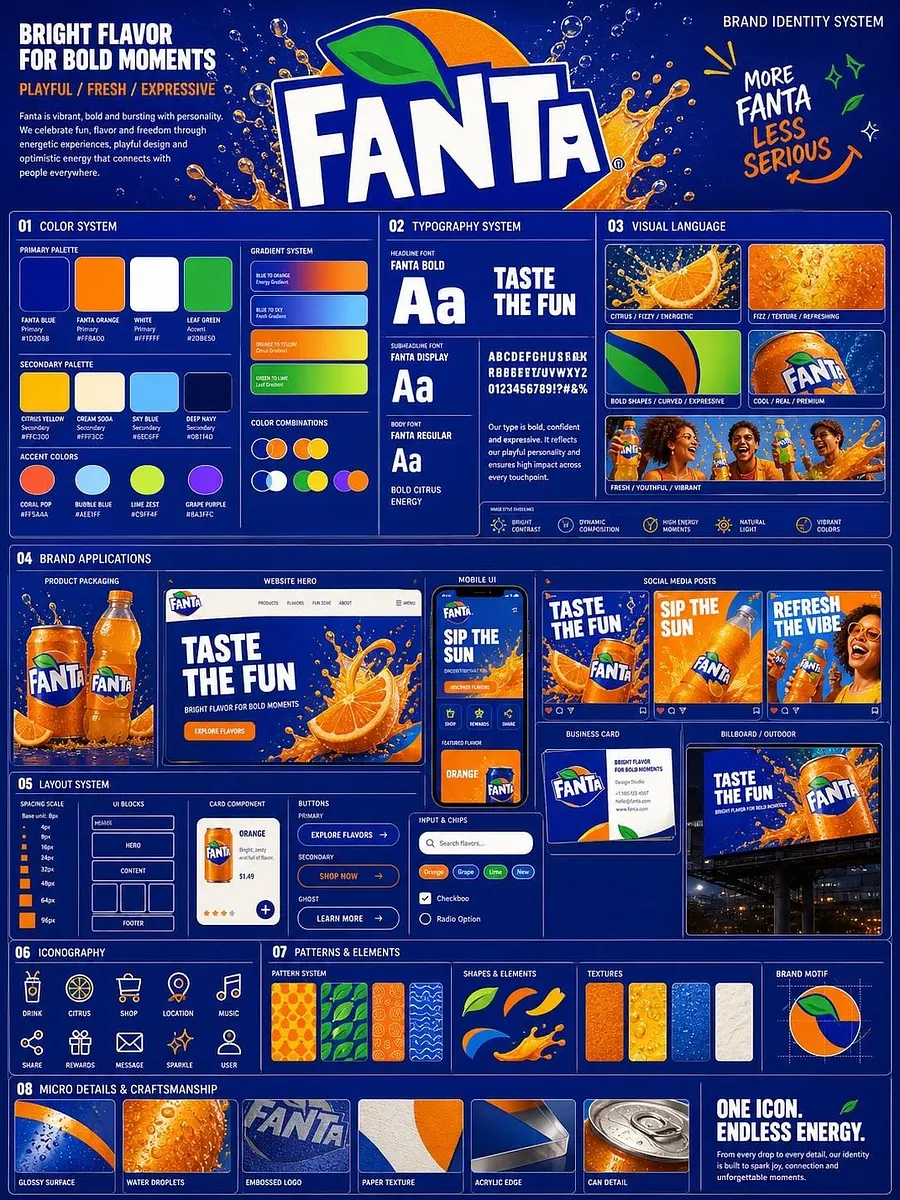
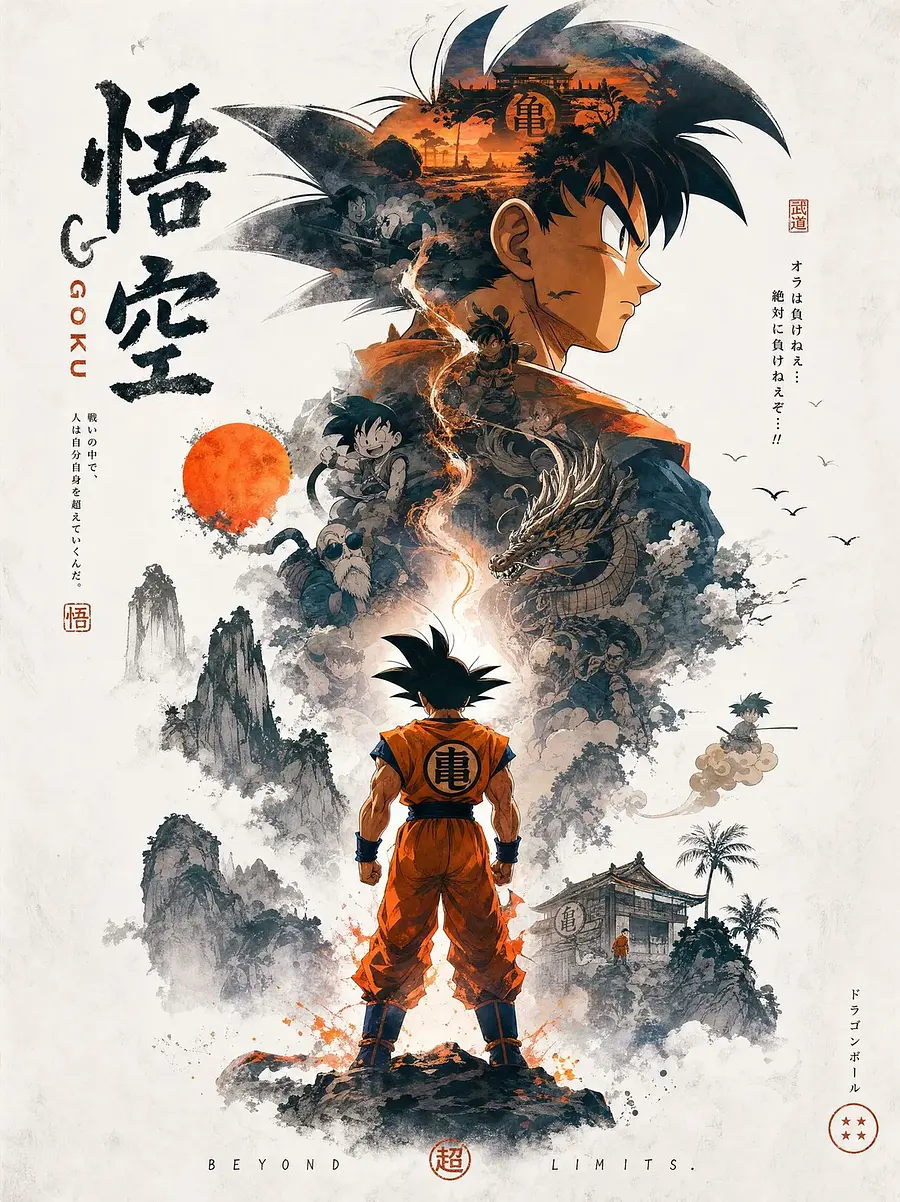
cinematic is a curated AI image topic on imagev2.me that groups real public generations by prompt-derived tags — every image filtered for public indexing so you see verified community output, not cherry-picked samples. The page collects prompt language, related visual styles, and model choices around this single topic. Use it as a field guide: study how creators describe subjects, lighting, and composition at beginner through advanced levels, compare the visual vocabulary, then start from the prompt bar with a clearer brief. Related topics let you branch into adjacent styles without starting over, and model recommendations surface which engines currently produce the strongest results for cinematic.
// Visual vocabulary for cinematic
PLACARD · N° 01
Visual vocabulary for cinematic
Common prompt ingredients that give cinematic images their recognizable texture.
VOC / 01
subject
Name the main object or character before adding style so the model has a stable anchor.
VOC / 02
environment
Describe the location, weather, era, and material context that surround the subject.
VOC / 03
light
Use concrete light sources such as window light, neon, overcast sky, flash, or candlelight.
VOC / 04
camera
Lens, angle, crop, distance, and motion cues help make the output feel intentional.
VOC / 05
finish
Add texture, palette, film stock, render style, or post-production language last.
// Prompt examples for cinematic
Prompt examples for cinematic
Beginner
subject + style
场景背景图,不要出现人物。
【场景信息】
白天的足球队训练场,阳光刺眼,炙烤着球门前的草皮,高空万里无云。场地包含绿茵场、球门线、小禁区及场边区域。整体气氛凝滞,草皮在遭受剧烈冲击时会被掀飞。
【画面构图·单图氛围参考】
单张场景氛围图,自然透视,无分区无拼图;
画面包含场景主体建筑/环境、关键物件与空间关系;
以人物视线高度观察场景,留足前景/中景/远景层次,体现空间纵深。
【视觉风格】
3D 国漫
【画质要求】
真实电影摄影质感,自然光影,无畸变,色彩克制还原准确,
无水印无文字无标注,单一画面完整呈现场景氛围。
【3D真实质感 · 降噪(反 AI 塑料感)】
This image is a film still captured during a real shoot - it should appear slightly soft and imperfect like a real photograph, this softness is intentional and desired. Soft natural lighting with realistic falloff, not punchy HDR. Subtle organic film grain only, NOT heavy digital noise, NOT artificial grain overlay. Skin texture must be natural with visible pores and imperfections, NO plastic smoothing, NO beauty-filter aesthetic. Materials should look photographically captured, not 3D-rendered or AI-stylized. Slightly soft focus character with natural lens DOF, NOT digitally tack-sharp. Colors with realistic restraint, slight gray tone, NOT oversaturated, NOT HDR-pumped.
Avoid: oversharpening, artificial sharpness, heavy digital grain, HDR effect, beauty-filter skin, AI-generated aesthetic, overpolished studio look, plastic smoothing, oversaturation, glossy highlight blowout, generic AI image quality, default model aesthetic bias.
Intermediate
scene + light
CREATE 3D CINMEMATIC POSTER FOR 10 VARIATIONS AT 21:9 Craft Certificate Course in Bakery & Confectionery
Advanced
constraints + lens
Create a realistic cinematic walkthrough video using the 4 reference shots provided. The video should feel like it was filmed naturally by a person walking through the store while holding a phone camera.
Style:
Handheld iPhone-style footage
Smooth but slightly imperfect walking motion
Natural camera sway and subtle movement
Realistic lighting and reflections
High-end cinematic retail atmosphere
Immersive and natural pacing
Scene direction:
Begin outside or at the entrance of the store, then slowly walk inward
Transition naturally between the 4 shots as if they are connected parts of the same space
Camera should pan slightly to capture products, shelves, displays, mirrors, lighting, and store details
Include realistic depth, motion blur, autofocus adjustments, and perspective changes
The movement should feel like a customer casually exploring the store
Maintain continuity between scenes and preserve the exact aesthetic, colors, and layout from the reference shots
Camera behavior:
First-person POV
4K realistic video quality
Slight handheld stabilization
Slow walking speed
Natural exposure adaptation when moving between brighter and darker areas
Mood
// How to write a cinematic prompt
PLACARD · N° 02
01
Anchor the subject
Start with the concrete subject, product, person, place, or scene you want the model to prioritize.
02
Add visual vocabulary
Layer in environment, lighting, camera, palette, and finish so the topic becomes a visual brief.
03
Choose the engine
Use the recommended model for the topic, then switch if you need faster drafts or more polished output.
04
Iterate from one variable
Change one element at a time — lens, aspect ratio, model, or style — so you can see what caused the improvement.
// Best models for cinematic
Best models for cinematic
// cinematic vs related styles
PLACARD · N° 03
// Related topics
// Frequently asked questions
Frequently asked questions
Q01
What is cinematic?
cinematic is a tag used to group public AI images, prompts, and model outputs around the same visual idea. It helps you compare how different creators describe the subject and what kinds of images those prompts produce.
Q02
Best model for cinematic?
The best model depends on your target look. Start with the prompt bar on this page, then switch models in the studio if you need faster drafts, sharper text, higher resolution, or a more editorial style.
Q03
How to write prompts for cinematic?
Begin with the subject, then add scene, composition, lighting, palette, and output intent. Specific nouns and constraints usually work better than vague adjectives, especially when you want a repeatable style.
Q04
Can I remix cinematic examples?
Yes. Open any public image or use a prompt example from this drawer. The studio can prefill the prompt and model so you can change one variable instead of starting from a blank canvas.
Q05
Why do related topics matter?
Related topics expose adjacent visual language. They are useful when cinematic feels close but not exact, because you can borrow modifiers without changing the whole prompt.
Q06
Are these cinematic images public?
The drawer only links to public, indexable community work. Private generations stay out of Explore, tag pages, sitemaps, and search crawling.